How to Ask for Google Reviews Without Being Pushy (Restaurant Guide)
November 11, 2026
The best way to ask restaurant guests for a Google review without being pushy is to make it easy, optional, and perfectly timed—request feedback when guests are clearly satisfied, provide simple access to your review page, and never pressure or incentivize reviews. The key is creating a natural opportunity rather than an uncomfortable obligation.
Online reviews matter for restaurants, but nobody wants to feel like a difficult salesperson when asking for them. The good news is that genuinely happy guests often want to share their experience—they just need a gentle reminder and an easy way to do it.
Timing Is Everything
The moment you choose to mention reviews makes all the difference between helpful and pushy. The worst times are when guests are rushed, waiting for their bill, or dealing with any kind of issue. The best opportunity comes naturally when a guest gives you positive feedback—perhaps they compliment a dish, thank the chef, or say they had a wonderful time.
This is your opening. A simple "We're so glad you enjoyed it—if you'd like to share your experience online, we'd really appreciate it" feels like a natural response rather than a sales pitch. You're acknowledging their satisfaction and giving them an option, not making a demand.
End-of-meal timing can work too, but only with a light touch. Train your staff to read the room—if guests seem relaxed and happy as they finish, a brief mention works. If they're clearly in a hurry or the meal didn't go perfectly, skip it entirely.
Make It Effortless
Even willing guests often don't leave reviews simply because it feels complicated. Searching for your restaurant on Google, finding the right listing, navigating to the review section—each step is a chance for them to give up and move on with their day.
The solution is to remove every possible barrier. Have a direct link to your Google review page ready to share. This can be a QR code on table tents, on the receipt, or displayed near the exit. Some restaurants include it in follow-up emails or text messages thanking guests for their visit.
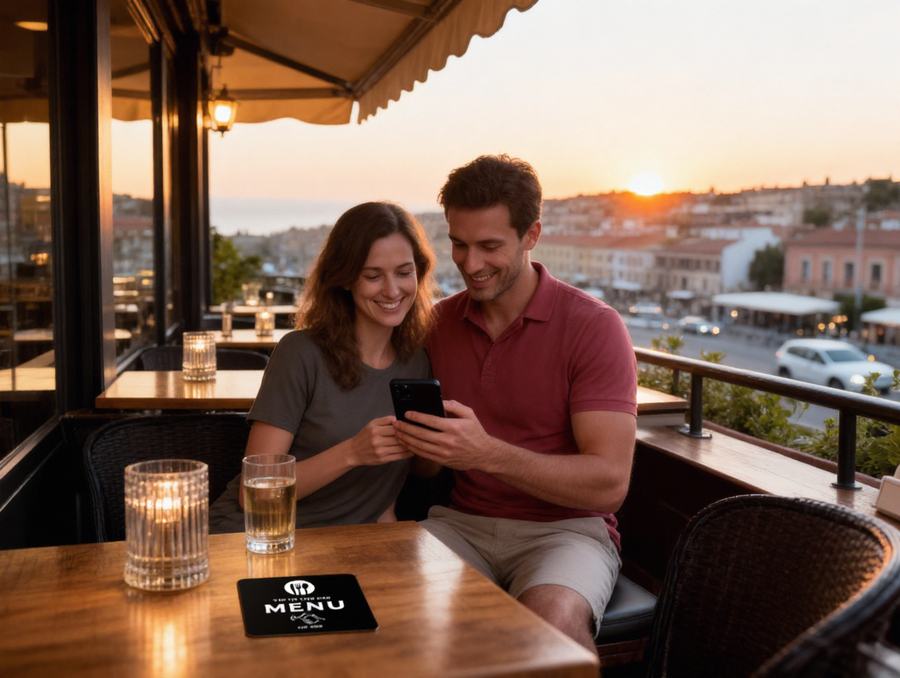
Digital menus offer another seamless option. Services like TapToMenu allow you to add your Google review link directly to your digital menu—a small gold star button appears that guests can tap to leave a review in seconds, right from the menu they're already viewing on their phone. You can create a digital menu for free on taptomenu.online with just a name and email, preview exactly what your guests will see, and order NFC menu cards only when you're happy with the result.
Use the Right Words
Language matters enormously. Pushy requests use pressure words: "Can you please leave us a five-star review?" or "We really need more reviews." This creates obligation and even suggests you're trying to manipulate your rating.
Better approaches feel collaborative and optional. Try phrases like "If you'd like to share your thoughts online, here's our Google page" or "We always appreciate hearing what guests think—no pressure at all." The word "if" is powerful because it immediately signals choice rather than expectation.
Avoid specifying the star rating you want. Let guests share their honest experience. Authentic reviews, even mixed ones, build more trust than a suspicious wall of identical five-star praise.
Train Your Team on Tone
Your staff's delivery matters as much as the words themselves. A warm, casual mention feels friendly. An anxious, rehearsed script feels desperate. Role-play with your team so they can practice making review requests sound natural and low-pressure.
Emphasize that it's always optional. Staff should never chase guests to the door, interrupt conversations, or bring it up multiple times. One relaxed mention is enough. If a guest says they're busy or not interested, the response should be a genuine smile and "No problem at all—thanks for coming in."
Remember that some guests prefer not to leave public reviews for privacy reasons, and that's perfectly fine. Your goal is to make it easy for those who want to share, not to convert everyone into a reviewer.
Follow Up Respectfully
If you collect email addresses or phone numbers for reservations or loyalty programs, a follow-up message can work well—but only if done thoughtfully. Send a genuine thank-you message a day or two after their visit, and include your review link as a secondary element, not the main point.
The message should feel like appreciation first, with the review option mentioned almost as an afterthought. One message is enough—repeated review requests cross into pushy territory quickly.
Frequently Asked Questions
When is it okay to ask for a review?
Ask only when guests have clearly expressed satisfaction with their experience, and always make it optional. Never ask when guests seem rushed, dissatisfied, or are dealing with any service issues.
Should I respond to reviews guests leave?
Yes, responding to both positive and negative reviews shows you value feedback and pay attention to your guests. Keep responses professional, genuine, and brief.
Can I ask guests to change a negative review?
You can politely invite them to contact you directly to resolve their concern, but never pressure anyone to change or remove a review. Focus on addressing the issue itself, not managing the review.
Tap the card. The menu opens.
An NFC menu card for restaurants and cafes. Guests hold their phone near it and your menu opens instantly, automatically translated into their language. No app, no printing new menus.
Order your cards