Add Google Review Link to Your Digital Menu in One Tap
November 9, 2026
To add a Google review link to your digital menu, first create a shortened review URL from your Google Business Profile, then embed it as a button or link in your digital menu platform so guests can tap directly from the menu to your review page. This removes friction and makes it easy for satisfied diners to leave feedback while their experience is still fresh.
Getting more Google reviews is one of the most valuable things you can do for your restaurant or cafe, but most venues make it too complicated. When you ask guests to search for your business on Google, remember their name correctly, and navigate to the reviews section, most simply won't bother. A direct link from your digital menu changes everything.
Finding Your Google Review Link
Your Google review link lives in your Google Business Profile, formerly known as Google My Business. To find it, search for your restaurant on Google and click on your business listing. Look for the reviews section and click "Write a review" as if you were a customer. The URL that appears in your browser's address bar is your review link.
This link is usually long and complicated, containing your business name and a place ID. It looks something like maps.google.com/?cid=12345678901234567890. Copy this entire URL carefully, as you'll need it for the next step.
You can also find your review link by logging into your Google Business Profile dashboard, though the direct method above often proves simpler for most restaurant owners.
Shortening Your Review Link
Long URLs look messy and are hard to share, so shortening your Google review link makes sense. You can use free URL shortening services to create a cleaner version. A shortened link is easier to remember, looks more professional on printed materials, and takes up less space on your digital menu.
Keep a record of both your original Google review link and the shortened version. If you ever change URL shortening services, you'll need the original link to create a new short version.
Adding the Link to Your Digital Menu
How you add the review link depends on your digital menu platform. Most modern systems let you add custom buttons or links. Look for settings related to social media, external links, or custom buttons. Some platforms have a dedicated field specifically for Google reviews.
For venues using TapToMenu, you can add your Google review link directly in the menu settings. Once added, a gold-star review button appears on your digital menu. When guests tap this button, they go straight to your Google review page where they can leave their feedback in seconds.
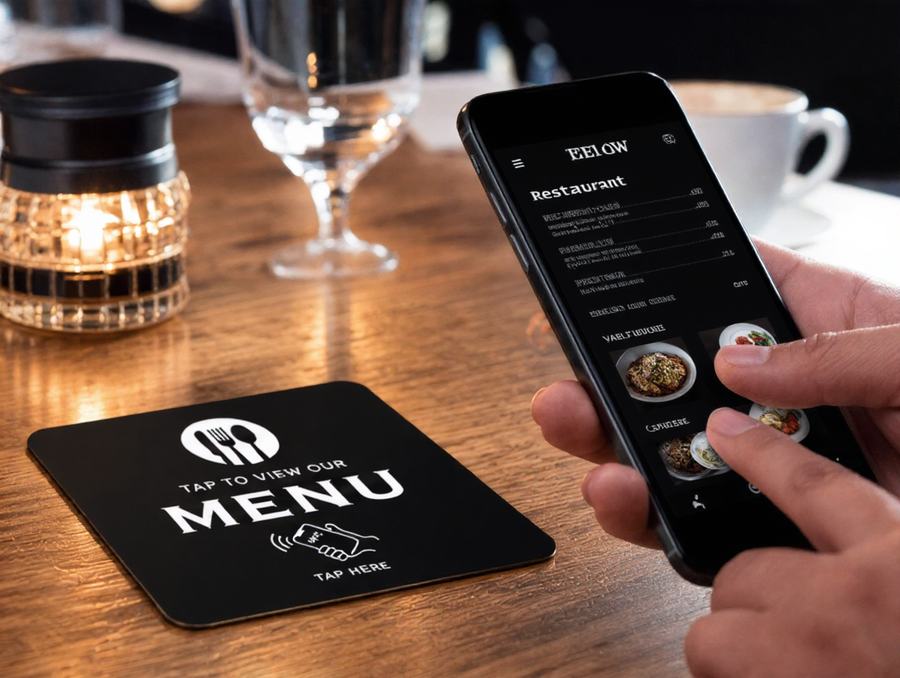
The timing matters. Guests are most likely to leave a review while they're still at your venue, enjoying their meal or coffee. A digital menu accessed through an NFC card on the table means the review link is always within reach at exactly the right moment.
Testing Your Review Link
Before you announce your new review button to the world, test it thoroughly. Open your digital menu on different phones, both iPhone and Android devices. Tap the review button and make sure it leads directly to the Google review page, not to a general search or error page.
Ask a friend or staff member to test the complete journey: scan the NFC card (or access the digital menu however your guests do), find the review button, tap it, and confirm they reach the right page. This simple test prevents embarrassment and ensures you're not sending guests to a broken link.
Remember that guests need to be signed into a Google account to leave a review. Your link will prompt them to sign in if they're not already, which is normal behaviour.
Making Reviews Part of Your Service
Having a review link is only half the battle. The other half is giving guests experiences worth reviewing. Focus on genuine hospitality, consistent quality, and solving problems quickly when they arise. Happy guests naturally want to share their experience.
Consider mentioning your review option on table talkers or receipts, though the beauty of integrating it into your digital menu is that it's always there, quietly available, without being pushy. Guests who want to help will find it.
Frequently Asked Questions
Can I add a review link to any digital menu platform?Most modern digital menu platforms support custom links or buttons. If yours doesn't have this feature, contact their support team or consider switching to a platform that does.
Will the review link work on both iPhone and Android?Yes, Google review links open in any mobile browser, regardless of whether the guest uses an iPhone or Android device. They just need to be signed into a Google account to actually leave a review.
How often should I ask guests to leave reviews?Don't ask repeatedly. Make the option available through your digital menu button, and train staff to mention it naturally only when guests express genuine satisfaction. Let the easy access do the work for you.
Tap the card. The menu opens.
An NFC menu card for restaurants and cafes. Guests hold their phone near it and your menu opens instantly, automatically translated into their language. No app, no printing new menus.
Order your cards