Get More Google Reviews with a Review Button on Your Digital Menu
November 6, 2026
A review button on your digital menu lets satisfied guests leave a Google review immediately, while they're still at your table enjoying their meal. By adding your Google review link to your digital menu, a gold-star button appears that takes guests directly to your review page in one tap, removing the friction that normally stops people from reviewing.
Most restaurant owners know Google reviews matter, but getting guests to actually leave them is the challenge. The traditional approach of asking verbally or printing a QR code on receipts rarely works because the moment has passed. A review button embedded in your digital menu catches guests at exactly the right time.
Why Timing Makes All the Difference
The best time to ask for a review is when a guest is actively happy. That might be right after they've tasted an excellent dish, when they're impressed by your presentation, or when they're browsing your menu and appreciating the convenience of having it in their own language on their phone.
With a traditional paper menu, you have no way to capture that moment. By the time guests finish their meal, pay, and leave, they're thinking about their next activity. Even if they intended to leave a review, the intention fades within minutes.
A digital menu stays open on their phone throughout the meal. The review button sits there quietly, visible but not pushy. When a guest has a great experience, the option is right there. One tap takes them to your Google review page, already logged into their Google account on their phone, ready to choose a star rating.
How to Add a Review Button to Your Digital Menu
The technical setup is straightforward. First, you need your Google review link. Find your restaurant on Google Maps or Google Search, scroll to the reviews section, and look for the option to share or get a link to reviews. Google provides a direct URL that takes people straight to the review form for your business.
Next, add this link to your digital menu system. If you're using a platform like TapToMenu, you simply paste the Google review link into the settings, and a gold-star review button automatically appears on your menu. Guests see it as a natural part of the menu interface.
The button should be visible but not intrusive. It typically appears near the top or bottom of the menu, clearly labeled so guests understand what it does. The gold star icon is universally recognized and doesn't need explanation.
Making It Easy for Guests to Say Yes
Removing friction is everything. Each extra step between intention and action cuts your conversion rate dramatically. Consider the old method: a guest decides to leave a review, pulls out their phone, opens Google Maps or Search, types in your restaurant name, finds your listing among similar names, navigates to reviews, and then writes something. Most people give up halfway through.
With a review button on your digital menu, they tap once and arrive at your review page. They're already on their phone because they're looking at your menu. They don't need to remember your restaurant's exact name or search for anything. The path from thought to action is immediate.
This is particularly effective because your digital menu is already solving a problem for guests. If they're tourists or don't speak your local language, seeing the menu automatically translated into their language creates goodwill. They feel taken care of. That positive feeling makes them more inclined to reciprocate with a review.
Setting Up Your Digital Menu with Review Integration
If you don't already have a digital menu, the barrier to entry is lower than you might think. Services like TapToMenu let you create your menu for free with just a name and email address. You can preview exactly what guests will see, add your Google review link, and see the review button in action before committing to anything. The free draft menu is kept for 14 days, giving you time to test and decide.
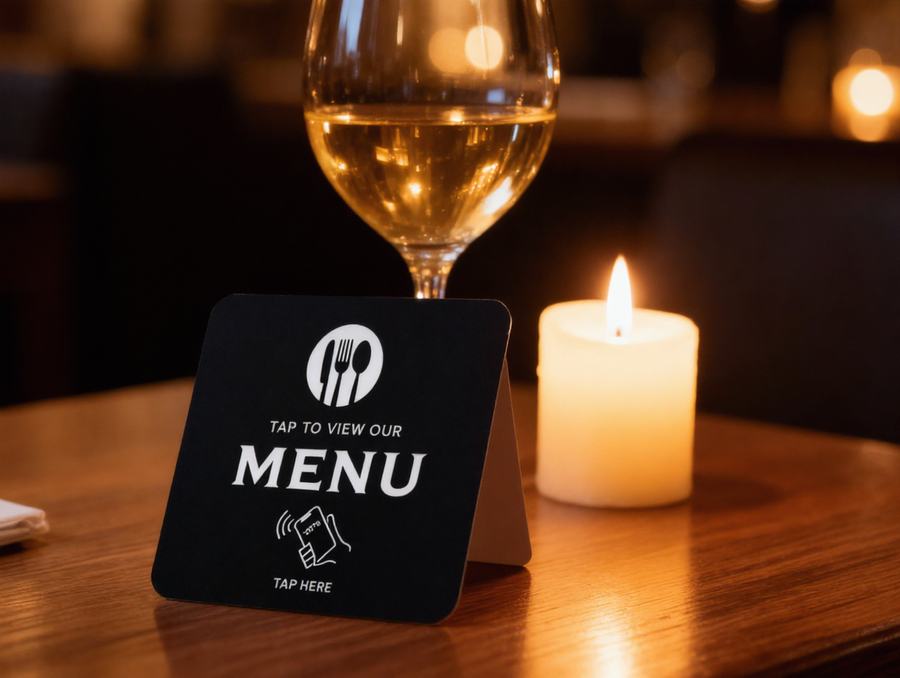
Once your menu is ready and you're happy with how it looks, you can order NFC menu cards. Guests tap their phone against the card and your digital menu opens in their browser, no app needed. iPhone XS, XR and newer models read NFC tags in the background automatically. Older iPhones need an app, and Android phones need NFC switched on in settings, but the range is just a few centimeters so the interaction feels natural and intentional.
The same menu that helps guests order more confidently also invites them to share their experience. It's a single tool serving multiple purposes, and the review button becomes a permanent, passive way to collect feedback from your happiest customers.
Frequently Asked Questions
Do guests need to download an app to leave a review from the digital menu?No. The review button opens your Google review page in their regular phone browser. If they're logged into Google on their phone, they can leave a review immediately without downloading anything.
Can I choose which guests see the review button?The button appears for everyone viewing your digital menu. You can't selectively show it, but this is actually beneficial because you never know in advance which guests will have a great experience. Making it available to all ensures you don't miss opportunities.
Will negative reviews increase if I make reviewing easier?Guests who want to leave negative reviews will find a way regardless. Making the process easier tends to increase reviews from satisfied guests who otherwise wouldn't have bothered, helping to balance your overall rating with more voices from happy customers.
Tap the card. The menu opens.
An NFC menu card for restaurants and cafes. Guests hold their phone near it and your menu opens instantly, automatically translated into their language. No app, no printing new menus.
Order your cards