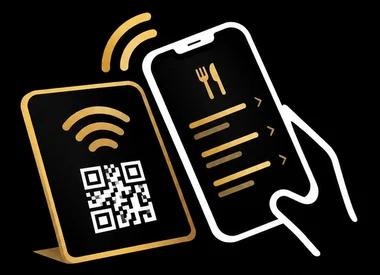
NFC menu card vs QR code menu
Both open your digital menu on the guest's phone. The difference is how they get there, and what happens when conditions are not perfect.
| NFC card | QR code | |
|---|---|---|
| How guests open it | Hold the phone near the card | Open the camera, point, tap the link |
| Camera and light needed | No | Yes, scanning can fail in dim light or with glare |
| Scuffed or stained surface | The chip inside keeps working | A damaged code may not scan |
| Phone support | iPhone XS and newer, almost all Android phones (NFC must be on) | Practically every smartphone with a camera |
| Cost | Card from €39.95, €29 per card from 20 | Printing is almost free |
| Changing the menu | Edit online, the card never changes | Same: edit online, no reprint |
Our advice: tap first, scan as backup
Put an NFC card on every table as the easy, modern way in, and print a QR code next to it for guests with older phones. Both point to the same menu, so you only edit once.
See cards and prices See a live demo menudoXmenu alternative: TapToMenu vs doXmenu · QR code menu alternative: let guests tap instead of scan
NFC card or QR code, what is the difference?
With an NFC card guests just hold their phone near it, no camera or scanning needed. It works on iPhone XS and newer and on almost all Android phones, with no app. Print wear and bad lighting are no issue either.
Do guests need to install an app?
No. The menu opens directly in the phone browser, in the guest's own language.