NFC Menu Cards and Paper Menus: Why Restaurants Use Both
October 26, 2026
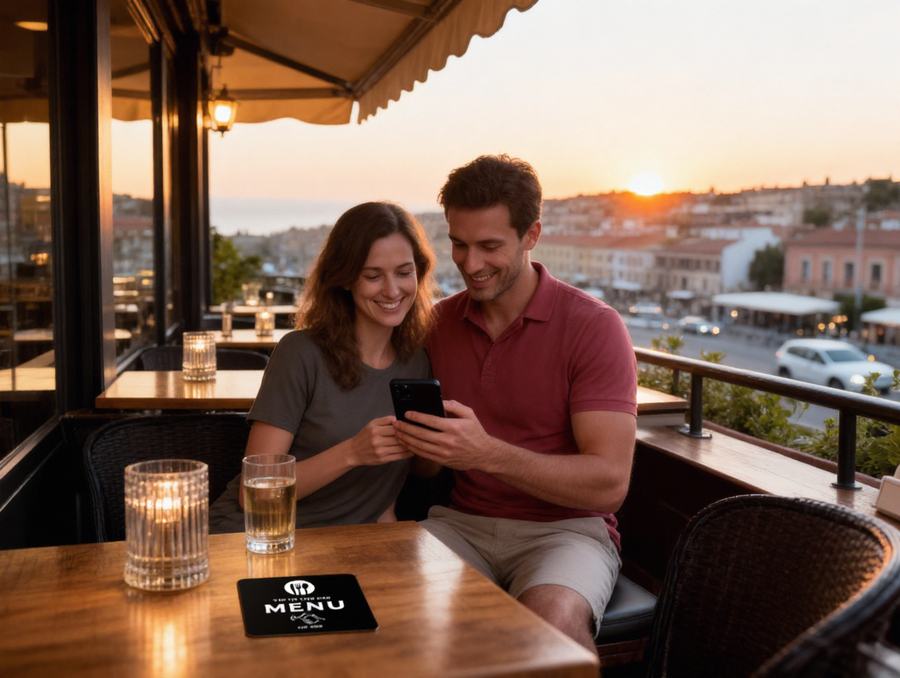
Restaurants that adopt NFC menu cards often keep their paper menus as well, creating a hybrid system where both digital and physical menus coexist. This practical approach gives venues flexibility to serve different guest preferences while maintaining a backup option during busy periods or technical issues.
Different Guests Prefer Different Formats
Not every guest wants to look at a phone while dining. Some people prefer the tactile experience of holding a physical menu, especially older diners or those celebrating special occasions who want to disconnect from their devices. Others actively choose digital menus because they appreciate features like automatic translation or the ability to zoom in on text.
A hybrid approach respects both preferences. Staff can quickly assess which format suits each table best. A business lunch crowd might appreciate the speed of scanning an NFC card, while a family dinner party might prefer passing paper menus around the table. Having both options available means no guest feels forced into a format that makes them uncomfortable.
Paper Menus as a Reliable Backup
Technology occasionally fails. A phone battery might be dead, the restaurant's internet connection could drop, or a guest might have an older device that struggles with NFC. Paper menus eliminate these concerns entirely.
During peak service hours, backup menus become especially valuable. If every table is full and multiple groups arrive simultaneously, handing out paper menus keeps service moving smoothly rather than waiting for each guest to scan and load the digital version. This backup role alone justifies keeping a small stock of printed menus even when most guests use the digital option.
Weather can also play a role. On outdoor terraces in bright sunlight, phone screens can be difficult to read. In these situations, paper menus simply work better. The hybrid approach means staff can adapt to the physical environment rather than forcing a one-size-fits-all solution.
Simplifying Staff Training and Service Flow
New staff members often find it easier to learn the menu from a physical version they can mark up, annotate, and carry with them. Once trained, they can confidently explain the NFC system to guests, but during their first weeks, paper menus serve as a learning tool.
The hybrid system also reduces pressure on staff to convince every guest to use the digital option. Some servers worry about appearing pushy when introducing new technology. With both formats available, they can simply ask which the guest prefers, creating a more relaxed interaction. This is particularly helpful in fine dining environments where service should feel attentive rather than directive.
Cost Considerations and Practical Implementation
Maintaining both systems does mean printing and replacing paper menus periodically, but many restaurants find they need far fewer paper copies than before. Instead of printing fifty menus, a venue might keep just ten to fifteen as backups and for guests who prefer them. This reduced print run still costs money, but the expense is manageable.
NFC cards require an initial investment but last for years with normal use. The tags themselves are rewritable unless locked, and the physical cards withstand daily handling well. Venues can try the system risk-free by creating a digital menu on taptomenu.online with just a name and email, previewing exactly what guests will see, and ordering the NFC cards only when satisfied. The free draft menu stays active for 14 days, giving plenty of time to test the concept.
Menu updates become simpler with this hybrid approach. When prices or dishes change, the restaurant updates the digital menu immediately through their online account. Paper menus only need reprinting when they wear out or when the venue decides to refresh them, rather than after every small change.
When the Hybrid Approach Makes Most Sense
This dual system works particularly well for full-service restaurants with diverse clientele. Casual cafes with younger customers might eventually go fully digital, while traditional establishments with older demographics might maintain a stronger emphasis on paper. Most venues fall somewhere in between, making the hybrid model a sensible middle ground.
Restaurants with frequently changing specials benefit significantly from digital menus because updates happen instantly, but they often keep printed wine lists or dessert menus that change less often. This selective approach combines the advantages of both formats for different parts of the menu.
Frequently Asked Questions
Do guests need to download an app to use NFC menu cards?No app is required. iPhone XS, XR and newer models read NFC tags automatically in the background. Older iPhones need an app, and Android phones need NFC switched on in settings. The menu opens directly in the phone's browser.
How close does the phone need to be to the NFC card?NFC works at a range of just a few centimetres. Guests need to hold their phone very near the card, usually touching it or within about an inch, for the tag to be read.
Can we add our Google review link to the digital menu?Yes, many digital menu platforms including TapToMenu allow you to add your Google review link. A gold-star button then appears on the menu, so satisfied guests can leave a review in one tap right from the menu.
Tap the card. The menu opens.
An NFC menu card for restaurants and cafes. Guests hold their phone near it and your menu opens instantly, automatically translated into their language. No app, no printing new menus.
Order your cards