Get More Instagram Followers From Your Restaurant Menu
October 14, 2026
To get more Instagram followers from your restaurant menu, add your Instagram handle directly on the menu itself—whether printed or digital—so guests see it while they're already engaged and interested in your food. The menu is one of the few things every single guest looks at, making it prime real estate for your social media links.
Most restaurants chase Instagram followers through paid ads or hoping guests notice a small sticker on the door. But there's a simpler approach: put your social links where your guests are already looking. Your menu gets more focused attention than almost anything else in your venue, yet many restaurants overlook it as a tool for building their social media presence.
Why Your Menu Is Better Than a Window Sticker
Think about the customer journey in your restaurant. Guests might glance at a sign by the entrance, but they study the menu. They're relaxed, seated, and genuinely interested in what you offer. This is the moment they're most receptive to connecting with your brand beyond just one meal.
A window sticker competes with everything else near your entrance—opening hours, health ratings, payment options. Your menu has their undivided attention. If they love what they see, they're far more likely to follow you when the prompt is right there in front of them.
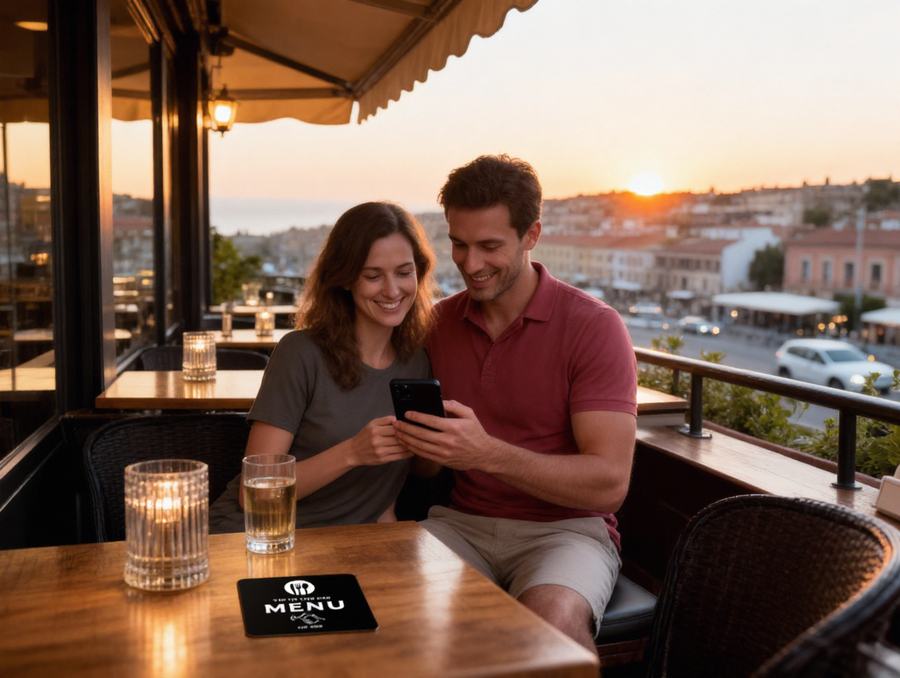
Digital menus have an even stronger advantage. When guests view your menu on their phone, they're already holding the device they need to follow you. There's no need to remember your handle or pull out their phone later—they can tap through immediately.
Where Exactly to Place Your Social Links
On a printed menu, add your Instagram handle at the top or bottom of each page. Use your actual handle, not just the Instagram logo. "Follow us @yourrestaurant" is clearer than an icon alone, especially since guests might want to follow you later.
For digital menus, you have more flexibility. Many restaurant owners add social links in the header or footer so they're visible without interrupting the food listings. Some digital menu systems let you include clickable icons that open Instagram directly—no typing required.
The key is consistency. Don't hide your handle on just one page or at the very end. If you have a multi-page printed menu, your Instagram should appear on every page, because you don't know which page will catch someone's eye.
Make It Easy and Give People a Reason
Simply listing your Instagram handle helps, but giving guests a reason to follow increases your conversion rate. Consider adding a brief note like "See our daily specials on Instagram" or "Behind-the-scenes kitchen stories @yourrestaurant."
The easier you make it, the better. With digital menus, clickable social icons eliminate the friction of typing. With printed menus, keep your handle short and memorable. If your Instagram username is long or complicated, consider creating a simpler one that matches your restaurant name.
Services like TapToMenu let you create a digital menu that guests access by tapping their phone to a small card on the table. When you set up your menu on taptomenu.online, you can include your social media links right in the digital menu. Guests see your Instagram handle while browsing dishes, and since they're already on their phone, following you takes just a tap.
What About Other Social Platforms
Instagram works well for restaurants because it's visual and food-focused, but don't ignore other platforms if they suit your audience. Facebook can be valuable for events and longer updates. TikTok works if you create video content.
That said, avoid cluttering your menu with five different social icons. Pick the one or two platforms you actually maintain and focus there. A dead Facebook page with posts from two years ago doesn't help your credibility.
The principle remains the same across platforms: your menu is valuable real estate because guests are already looking at it. Use that attention wisely by directing interested customers to where they can stay connected with you between visits.
Frequently Asked Questions
Should I put my social links on a printed menu or only digital?Both work, but digital menus make it easier since guests can tap directly to your profile without typing. If you use printed menus, make sure your handle is clear and easy to remember.
How many social media links should I include on my menu?Stick to one or two platforms you actively use. Too many options overwhelm guests, and links to inactive accounts damage your credibility more than they help.
Will adding social links to my menu look unprofessional?Not if done tastefully. A simple line with your handle at the bottom of the menu or a small icon in the header looks professional and shows you're accessible. Just avoid making it larger or more prominent than your actual menu items.
Tap the card. The menu opens.
An NFC menu card for restaurants and cafes. Guests hold their phone near it and your menu opens instantly, automatically translated into their language. No app, no printing new menus.
Order your cards